Digital Photography Explained
 05:17
 By
CyberSpace2Day
 digital camera storage,
digital photography,
digital versus film,
editing digital images
 0
comments


Welcome to the exciting world of digital photography! The journey of digital photography began in the late 1980s to the mid-1990s when digital cameras became commercially available. Since then, many individuals have stored away their film cameras and embraced the wonders of digital photography.

Before we delve into the intricate details of digital cameras, it's crucial to understand what digital photography truly entails. In simple terms, digital photography involves capturing images and saving them in a digital format. Even a scanned photograph can be considered a digital photograph.
The preference for digital photography over film stems from various reasons. Firstly, one of the greatest advantages is the instant gratification it offers. With digital photography, you can immediately review the results of your shot. This allows photographers to quickly assess and decide if they are satisfied with the outcome, saving time and resources. In contrast, film photography requires the printing of all photographs, including those that may not meet expectations, leading to unnecessary expenses.


Additionally, digital photography provides a wide range of options for sharing your images. You can effortlessly send them via email, burn them onto discs, transmit them using Bluetooth technology, or even print them just like traditional film photographs. The convenience and versatility of digital formats have made sharing and distributing photographs easier than ever before.
While many embrace the benefits of digital photography, there are still purists who remain loyal to film. They argue that film photographs possess a unique quality, capturing lifelike images that digital cameras struggle to replicate. However, with the continuous advancements in digital camera technology, it's only a matter of time before even the staunchest film enthusiasts are impressed by the remarkable results achievable with digital cameras.
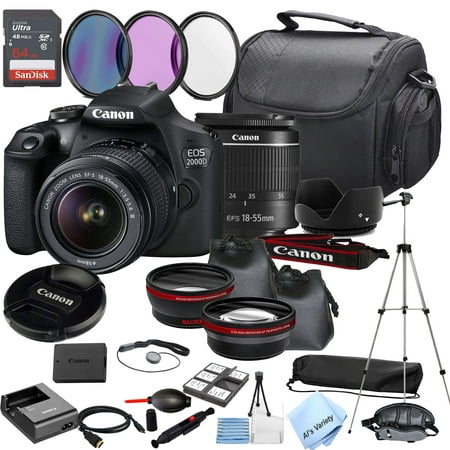
So join us on this captivating journey into the realm of digital photography. Explore the intricacies of digital cameras, discover helpful techniques, and unlock the full potential of this remarkable medium. Whether you're an amateur enthusiast or a seasoned professional, digital photography offers endless possibilities for creativity and expression. Stay tuned for more insightful articles and tips to enhance your digital photography skills.
_______________________________________________